

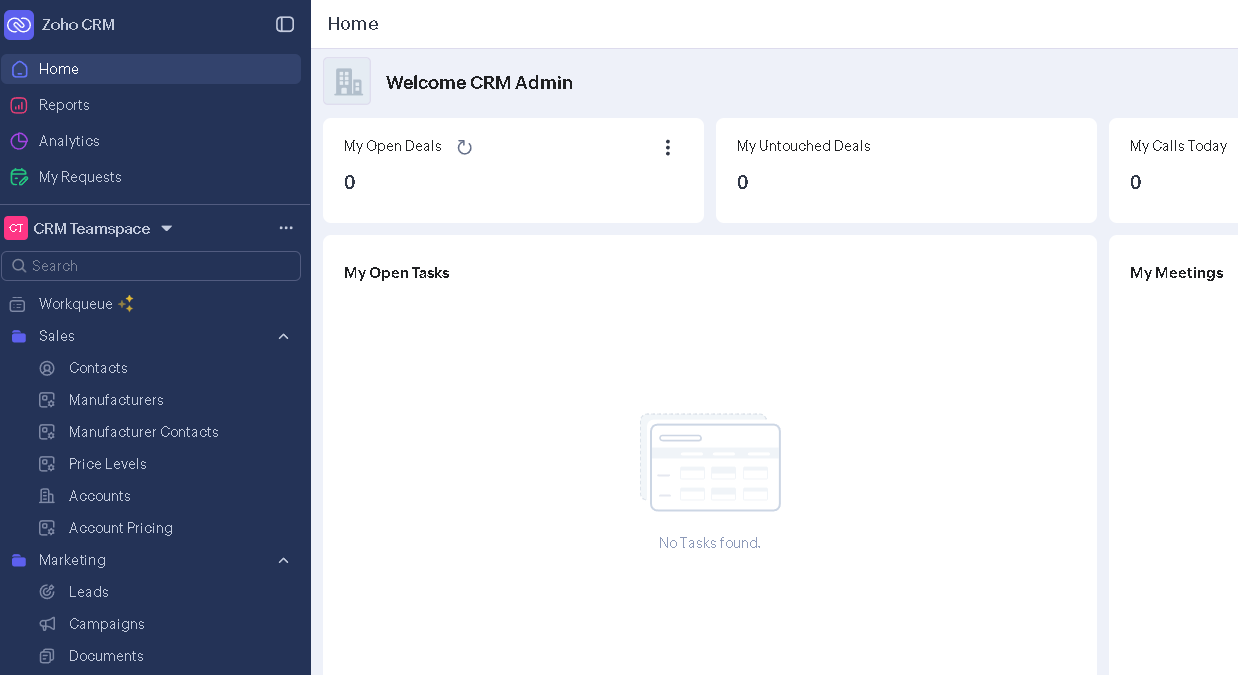
I’m staring at a shared screen on a Tuesday morning Zoom call. On one side, 30 years of pricing logic stored across email threads, Excel files with no naming conventions, and a few people who just “know” how things work. On the other side, an empty Zoho instance.
My job was to connect them. By myself.
This is an auto parts distributor. Five people. Manufacturers with unique pricing schedules, custom workflows that never lived anywhere except in inboxes and institutional memory. They’d never had a CRM. Not because they didn’t need one. A project like this could easily become a one-to-two-month engagement with multiple consultants, configuration specialists, and a training team. For a five-seat operation, that math rarely works.
So I did it solo. And AI filled every seat that would’ve normally been a person.
I want to walk through what that actually looked like, because I think there’s a framework here that applies well beyond CRM work.
Seat one: proposal writer.
Before I touched a single configuration screen, I needed to scope the work. I’d taken pages of notes across discovery calls, capturing how they think about customers, how pricing actually flows, and which manufacturers have special schedules. I fed those conversation notes into Claude and got a clean, structured proposal back in hours. Not a generic template.
A document that reflected their specific business model, their pain points, and their language. I also used LLMs alongside manual research to pull together pricing for the different Zoho modules and licensing tiers. The output was a presentable breakdown that they could read and understand, showing what they’d be paying. That step alone would’ve taken me a full day of formatting and cross-referencing. It took about two hours.
Seat two: data analyst.
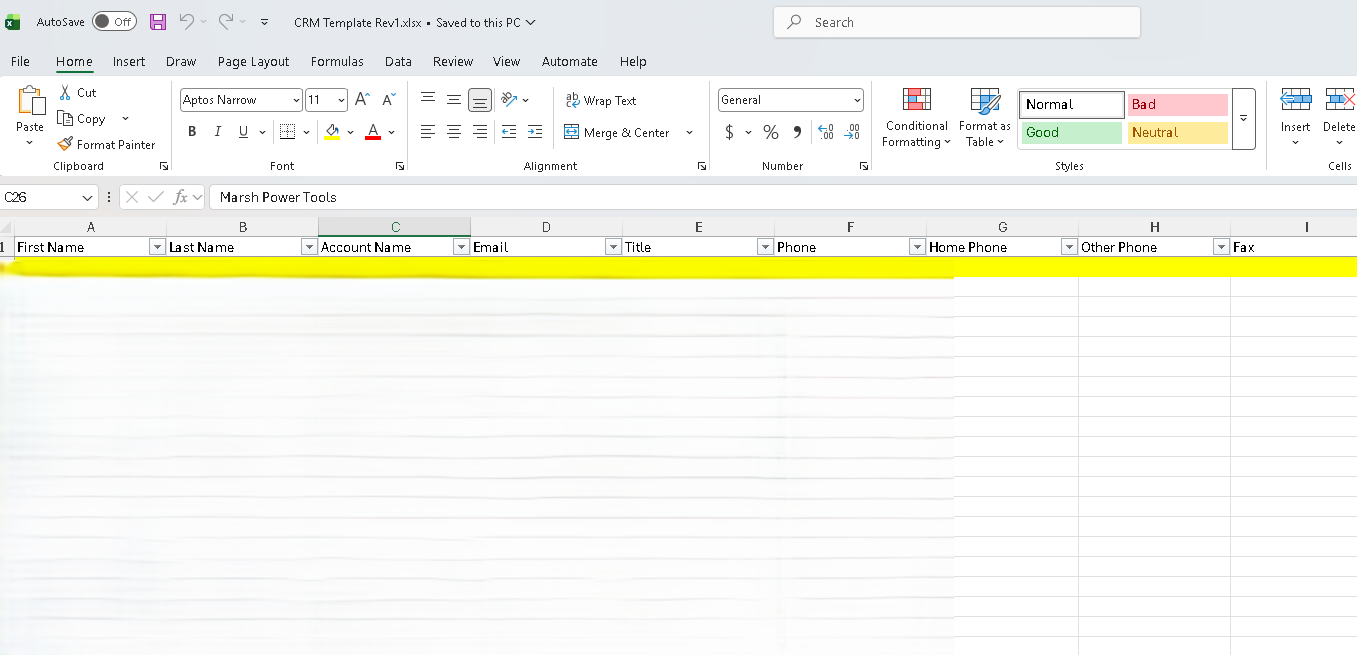
Their customer and pricing data were scattered across random files. Different formats, inconsistent fields, duplicated entries. I used Claude’s Excel extension to clean and standardize fields, mapping everything to Zoho’s import structure.
Thirty years of email-based operations compressed into clean, importable datasets.
Seat three: solutions architect.
Zoho’s customization options are deep, but the documentation can be scattered. Instead of spending hours in forums and help articles, I used Claude’s browser extension to walk through settings, module configuration, and custom field mapping in real time.
I described what the business needed. Claude pointed me to the right settings. Configuration decisions that would normally require deep platform expertise happened at the speed of conversation.
Seat four: business modeler.
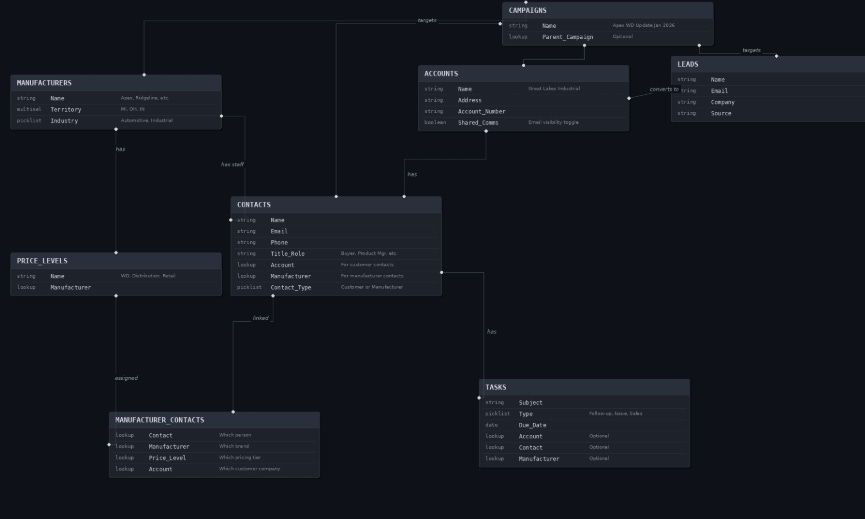
Before I started building anything in Zoho, I used Claude to generate a model of their business workflows, module structure, and data relationships. Something I could print out and walk through with the owner at a table.
That validation step saved weeks of rework. He could point at something and say, “No, that’s not how we handle manufacturer pricing,” before I’d configured a single field. Then once I started building, I iterated in real time until the team had the actual product in their hands and understood how it worked.
The model got me close. Hands-on iteration got me the rest of the way.

Seat five: training developer.
Every decision, workaround, and lesson from the build was already in my Claude conversation history. When it came time to train the team, I turned those threads into a PowerPoint walkthrough built from their specific implementation, their workflows, and their data.
And because the entire context was in one place, pivoting the training when questions came up took minutes rather than days of rework.
A caveat before you price your next project
I need to be upfront about something. I had the luxury of testing most of these tools before this engagement started. I’d already used Claude’s Excel extension on my own data. I’d already experimented with the browser extension for research tasks. I knew what worked, where the rough edges were, and roughly how long things would take. That matters.
If I’d committed to this engagement, assuming a brand-new tool would cut my data-cleaning time in half, and then it didn’t, I’d have been eating hours I couldn’t bill for. Or worse, delivering late.
Work within the tools you already know. Don’t sell your time based on efficiencies you haven’t validated yet. AI tools are powerful, but they’re not predictable until you’ve pressure-tested them on problems that look like yours. The extension that cleans one dataset beautifully might choke on the next one with different formatting quirks.
Test on your own time first. Build confidence in a tool before you build a client timeline around it. The five-seat model worked because I’d already done the homework. Not because I got lucky.

How to apply this to your own work
The five-seat framing isn’t just a CRM story. It’s a way to audit any project you’re scoping right now. Try this:
Step 1: List every role the project assumes. Most project plans bake in specialists without questioning why. Data migration person. Configuration person. Documentation person. Training person. Write them all down.
Step 2: For each role, ask what the actual work is. Not the job title. The tasks. “Data analyst” sounds like a person. “Clean 14 spreadsheets so the fields match an import template” sounds like a prompt.
Step 3: Sort into two buckets.
Bucket A is mechanical work that follows rules: data cleaning, format conversion, settings configuration, document formatting, and research synthesis. AI handles this well right now. Not perfectly, but fast enough that one person can cover multiple seats.
Bucket B is judgment work that requires context: understanding why the business operates the way it does, deciding which features actually fit a workflow versus which ones just demo well, reading stakeholder anxiety, and adjusting your approach. No tool handles this. It requires showing up, listening, and making calls that don’t have obvious right answers.
Step 4: Restructure your project around Bucket B. If you’re a PM scoping internal tooling, a consultant pitching an engagement, or a founder evaluating what to outsource, the question isn’t “can AI do this work?” It’s “which parts of this work require human judgment, and am I spending most of my time there?”
Final thoughts
Most of us are still staffing projects like it’s 2022. We assume every role needs a dedicated person because the mechanical work used to be slow. It’s not slow anymore.
What’s still slow is sitting on a discovery call with a business owner who’s run things on email for 30 years and understanding why. That’s the work that doesn’t compress. That’s the work worth protecting your time for.
Five seats. One consultant. And the real leverage wasn’t any single AI tool. It was knowing which questions to ask before opening any of them.
Until next week,
Mike Watson @ Product Party
P.S. Want to connect? Send me a message on LinkedIn, Bluesky, Threads, or Instagram.
Thanks Mike.. This mirrors exactly what I've been navigating. AI lets one person cover seats that used to require a team. My honest harder question is how much of that I tell the client. The human presence still signals legitimacy, trust, and accountability in ways that matter to them, even when the mechanical work is fully automated behind the scenes. The art (I am trying to masterf) is knowing which seats to show and which to just fill.